|
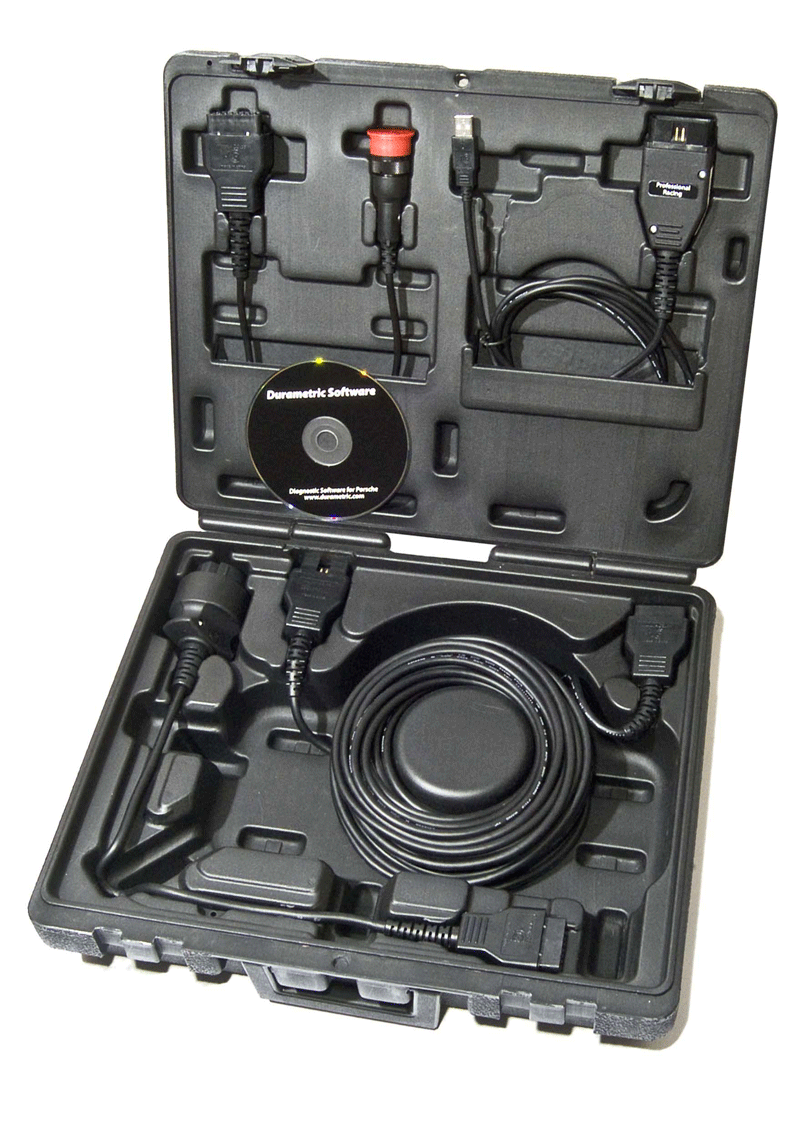
The Durametric Diagnostic Tool for Porsche was created for independent repair shops and private owners alike. It provides access to the many Porsche control units for maintenance and troubleshooting information. The tool helps you read Porsche’s diagnostic codes with user-friendly descriptions, part numbers, and over-rev data; can activate drive links and capture actual values; resets the service reminder on cars that support them and can clear the warning indicators of most systems.
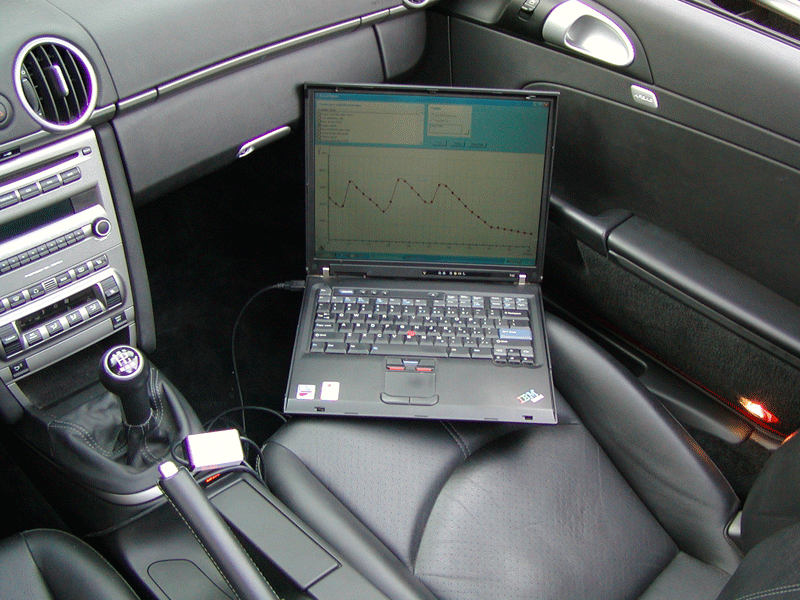
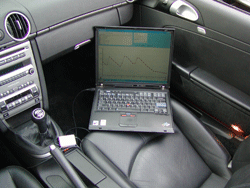
The diagnostic tool is easy to use. Simply load the software on your Windows computer and connect the cable between the computer and car. Start the program, select your model, and the program will begin communicating with the car.
The Durametric Diagnostic Tool is backed by a 30-day money-back guarantee, 6-month warranty on hardware, and free software upgrades as long as you own the tool. Durametric technical support provides FAQs, common car-related tips, and tool reference materials.
Click here to learn more about the history of Porsche diagnostic tools.
What cars does it work on?
- Introducing beta-test support of 2016-2019 991.2, 981.2 Boxster and 981.2 Cayman
- 1989-1995 Porsche 928
- 1990-1992 Porsche 944
- 1992-1995 Porsche 968
- 2004-2006 Porsche Carrera GT (980)
- 1990-1994 Porsche 911 (964)
- 1994-1998 Porsche 911 (993)
- 1998-2004 Porsche 911 (996)
- 2005-2012 Porsche 911 (997)
- 2012-2017 Porsche 911 (991)
- 1997-2004 Porsche Boxster (986)
- 2005-2012 Porsche Boxster (987)
- 2013-2017 Porsche Boxster (981)
- 2003-2007 Porsche Cayenne (955)
- 2008-2010 Porsche Cayenne (957)
- 2011-2015 Porsche Cayenne (958)
- 2014-2018 Porsche Macan (95B)
- 2010-2017 Porsche Panamera (970)
- 2005-2013 Porsche Cayman (987)
- 2014-2017 Porsche Cayman (981)
- Looking for BMW or Mini support? See Bavarian Technic.
What does it do?
- Resets service reminders
- Reads and clears diagnostic trouble codes More Information
- Displays and logs actual values More Information
- Shows ECU information More Information
- Turns off check engine light
- Turns off airbag light
- Activates functions (Drive Links)
- Supports coding changes on some models (requires Professional kit)
What systems does it work on?
|
|
- Alarm
- Seat Memory
- Heating & A/C
- And more...
|
*Not all features are supported on all modules or vehicles. More Information...
How does it work?
Our product is a hardware and software tool that plugs into your Windows PC's USB port. Once plugged into the car the software is capable of reading and resetting the different modules in the car.
Check system requirements here.
Can it really turn off my airbag light?
YES! Not only can the system turn off the airbag light but it can tell you why it is on in the first place.
How is your product different from the OBD2 products available?
Our product communicates with your car just like the factory tool does, and can access all of the systems in the car. OBD2 was created for emissions related problems and only covers a limited subset of your car's engine.
|
30 day Satisfaction Guarantee
If you are not satisfied with our product for any reason you may return the tool to us within 30 day for a full refund (less shipping costs).
Click here for details
|